

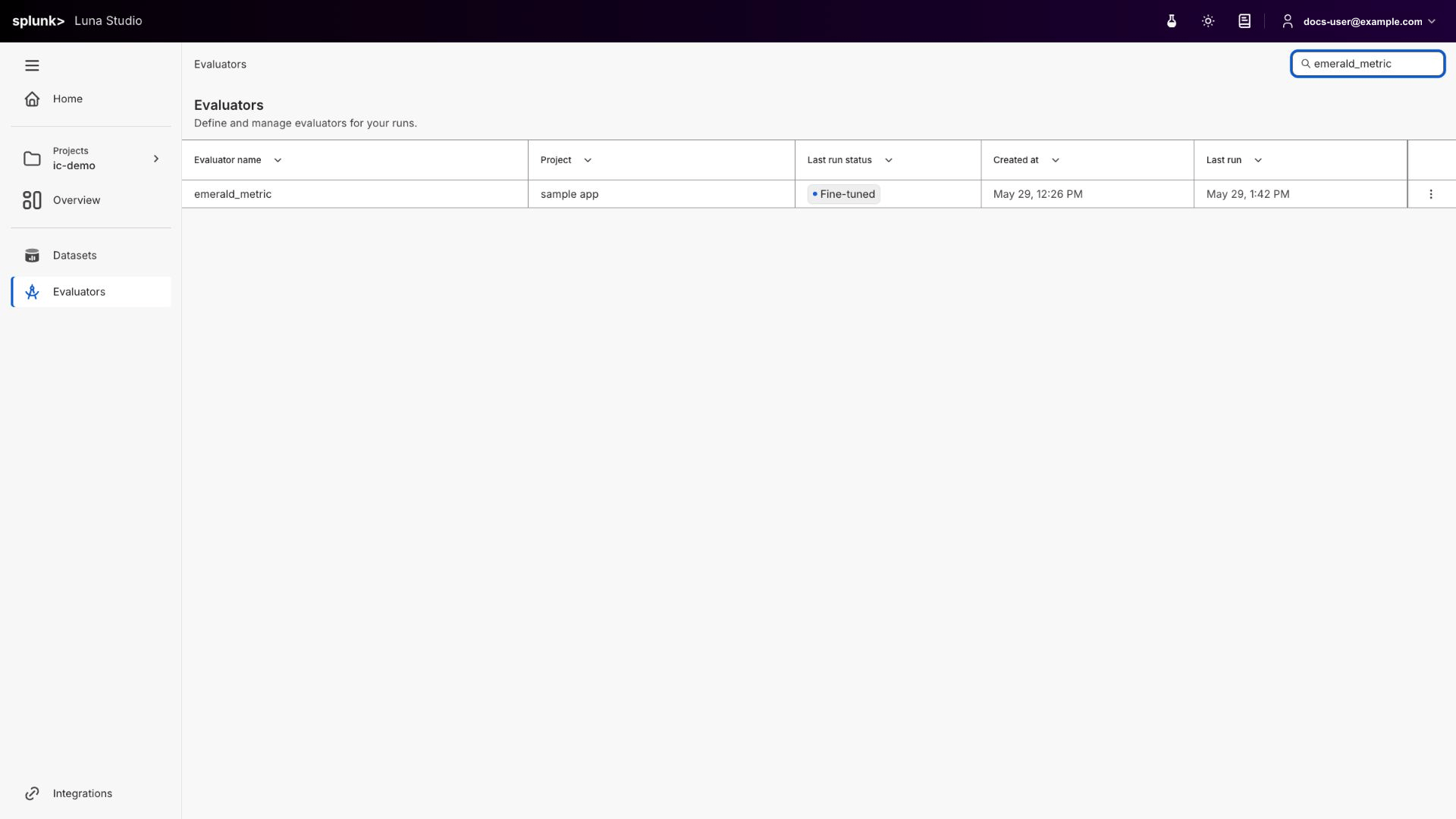
Evaluators page listing every finetuned / registered evaluator with its status, source run, and last update
Register an evaluator
Once an evaluator reaches Fine-tuned, the Register evaluator action appears in the row’s Actions cell. Clicking it opens the same modal documented in Register an evaluator. This page does not run registration preflight before opening the modal; backend checks can still reject the submission, for example when the Splunk Agent Observability connection or evaluator contract is unsupported.Where to go next
Step 1 — Evaluator
Pick a template or write a custom prompt in the run creation flow.
Run lifecycle
Understand the statuses behind each evaluator’s source run.
Register an evaluator
Publish an eligible Fine-tuned evaluator to the Splunk Agent Observability evaluators store.
Creating a new run
Launch a training run that produces an evaluator.